Keyboard controls to use while playing in the TechDisc simulator.
Note: The simulator and these controls are best used in Fullscreen mode.
 | Right arrow key: | Move throw target right |
 | Left arrow key: | Move throw target left |
 | Up and Down arrow keys: | Rotate through preset discs |
 | 'W' key: | Move throw target up |
 | 'A' key: | Move throw target left |
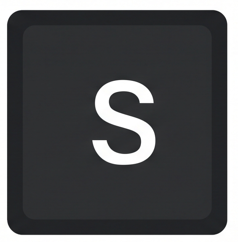 | 'S' key: | Move throw target down |
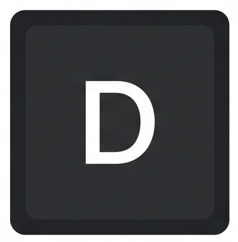 | 'D' key: | Move throw target right |
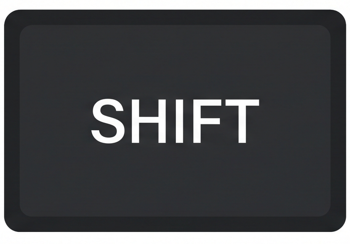 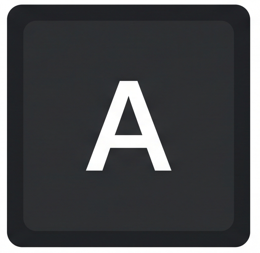 | Shift + 'A' keys: | Strafe (or sidestep) left |
  | Shift + 'D' keys: | Strafe (or sidestep) right |
 | Space bar: | Open preset disc selection. Use arrow keys to move between discs. Tap Space bar again to select a disc. |
Was this article helpful?
That’s Great!
Thank you for your feedback
Sorry! We couldn't be helpful
Thank you for your feedback
Feedback sent
We appreciate your effort and will try to fix the article