TechDisc is available to use as a controller in Perfect Round Disc Golf and True Disc Golf. You must be on the Play or Premium Tier to access this API Token.
- Connect your disc to the TechDisc via the web or mobile app.
- Click on your profile icon to access "Settings".
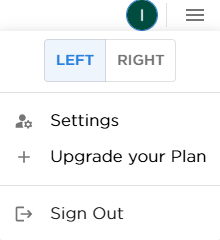
- Select "Play API Token" to access the API Token. Click the key to copy it.
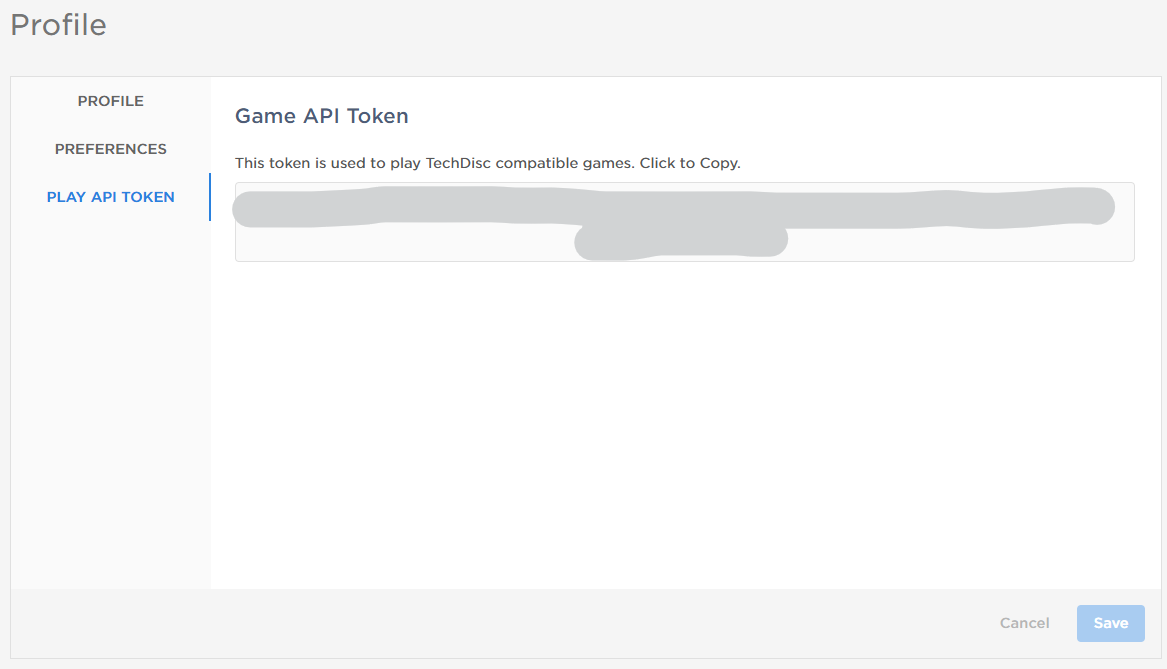
- Paste the API Token into the proper place within the game menu.
- Perfect Round Disc Golf
Select "Enter Web Token"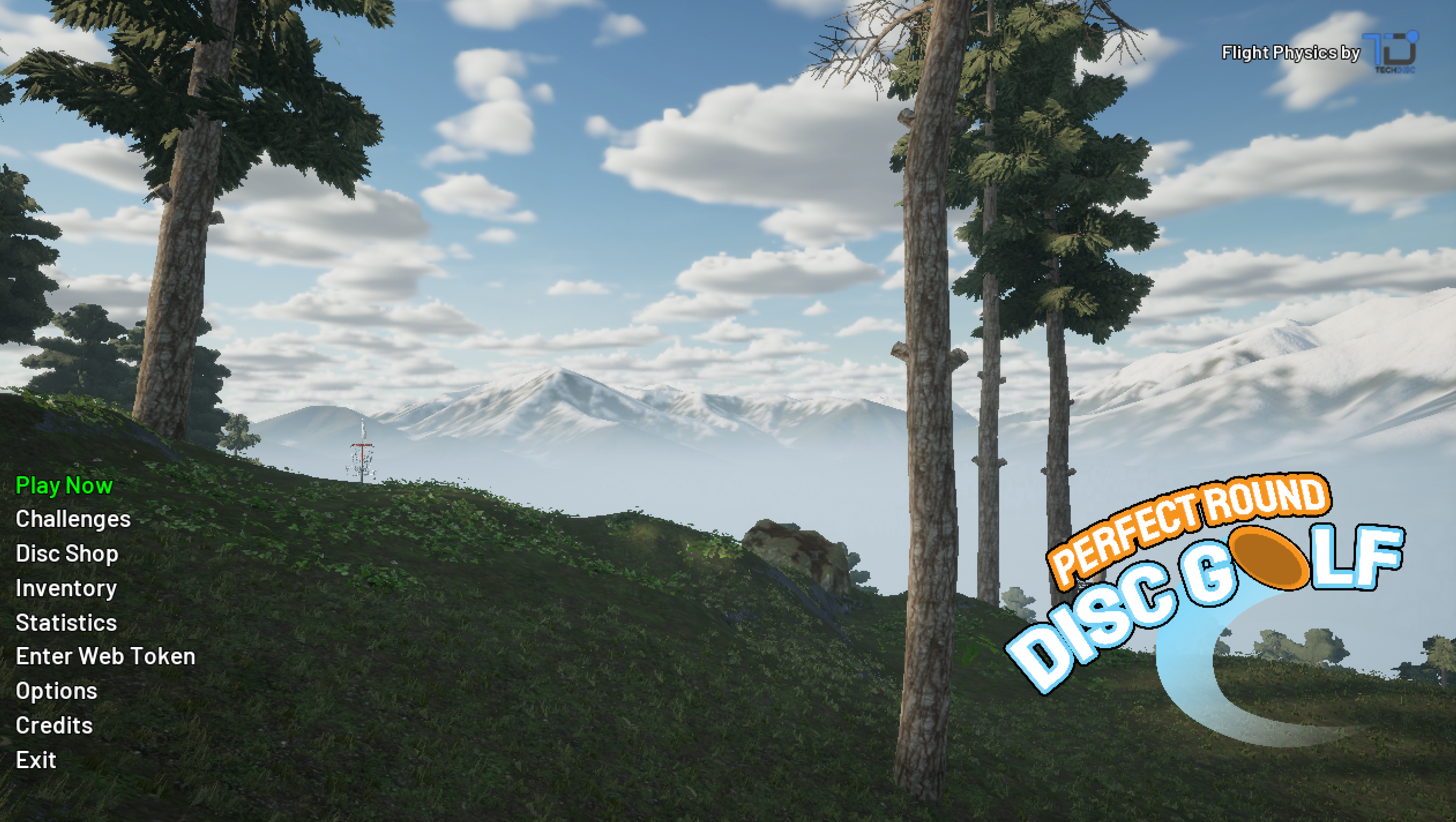
Click in the textbox and paste the API Token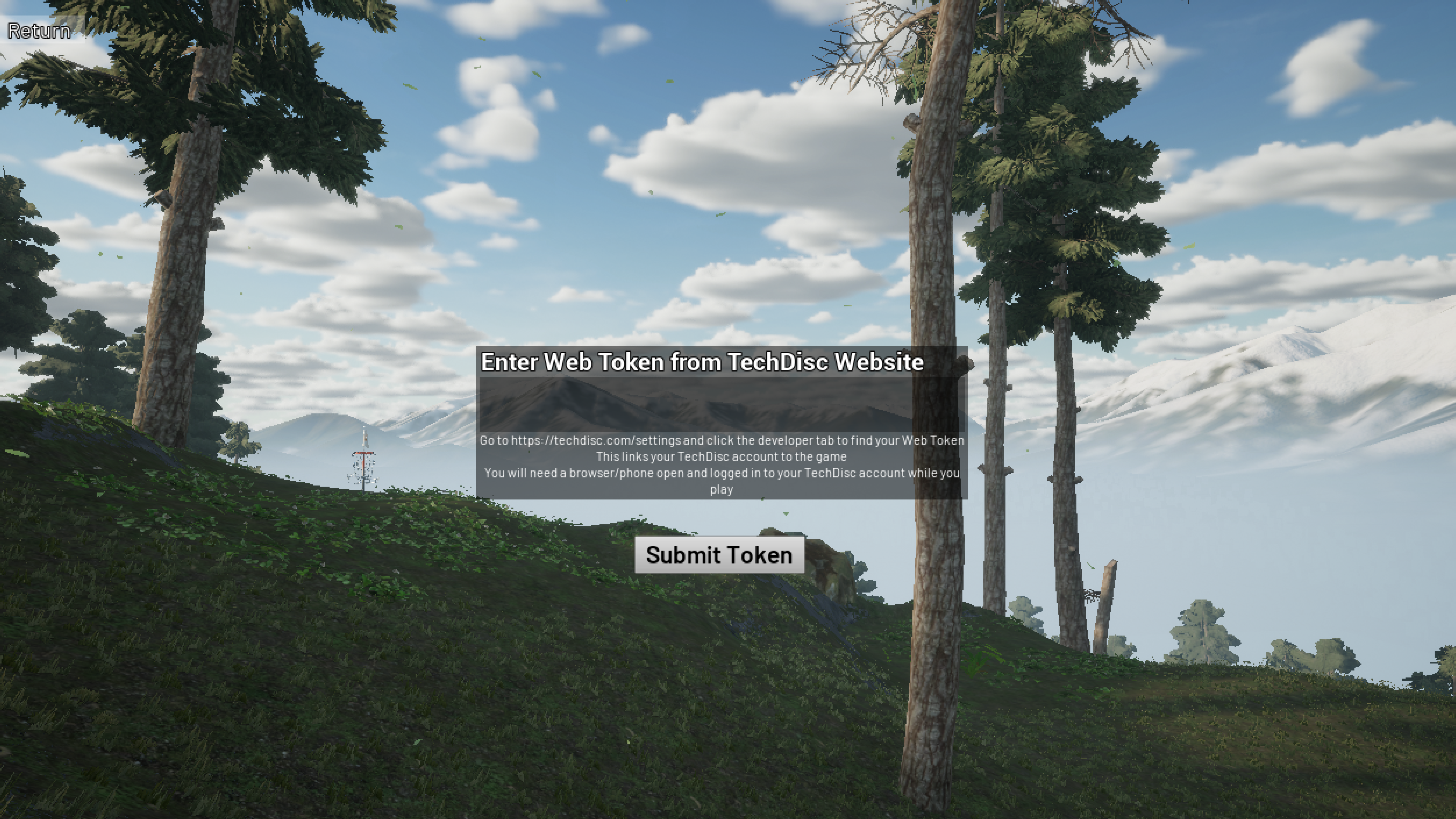
- True Disc Golf
Select "Simulator Settings"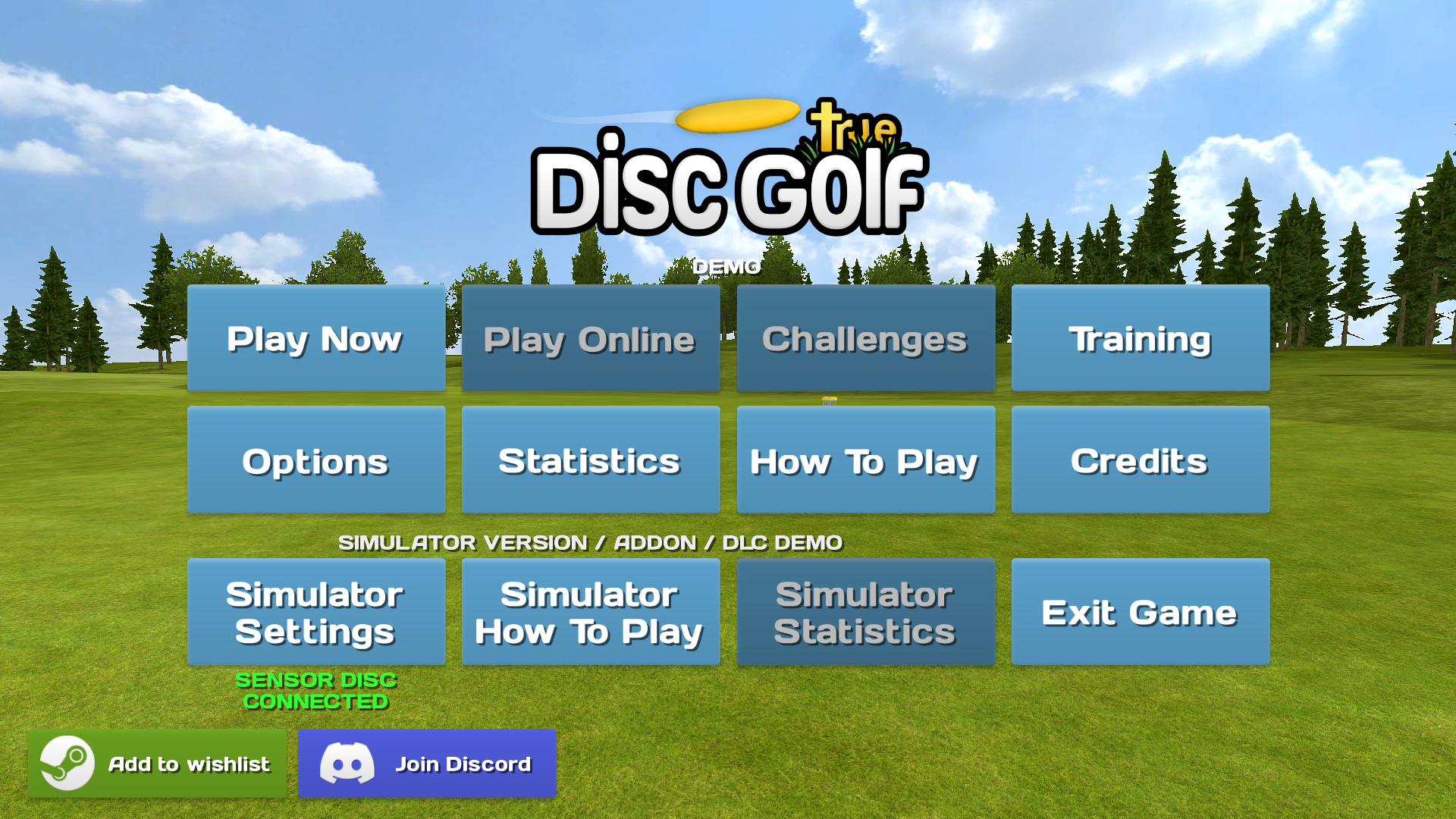
Click in the textbox and paste the API Token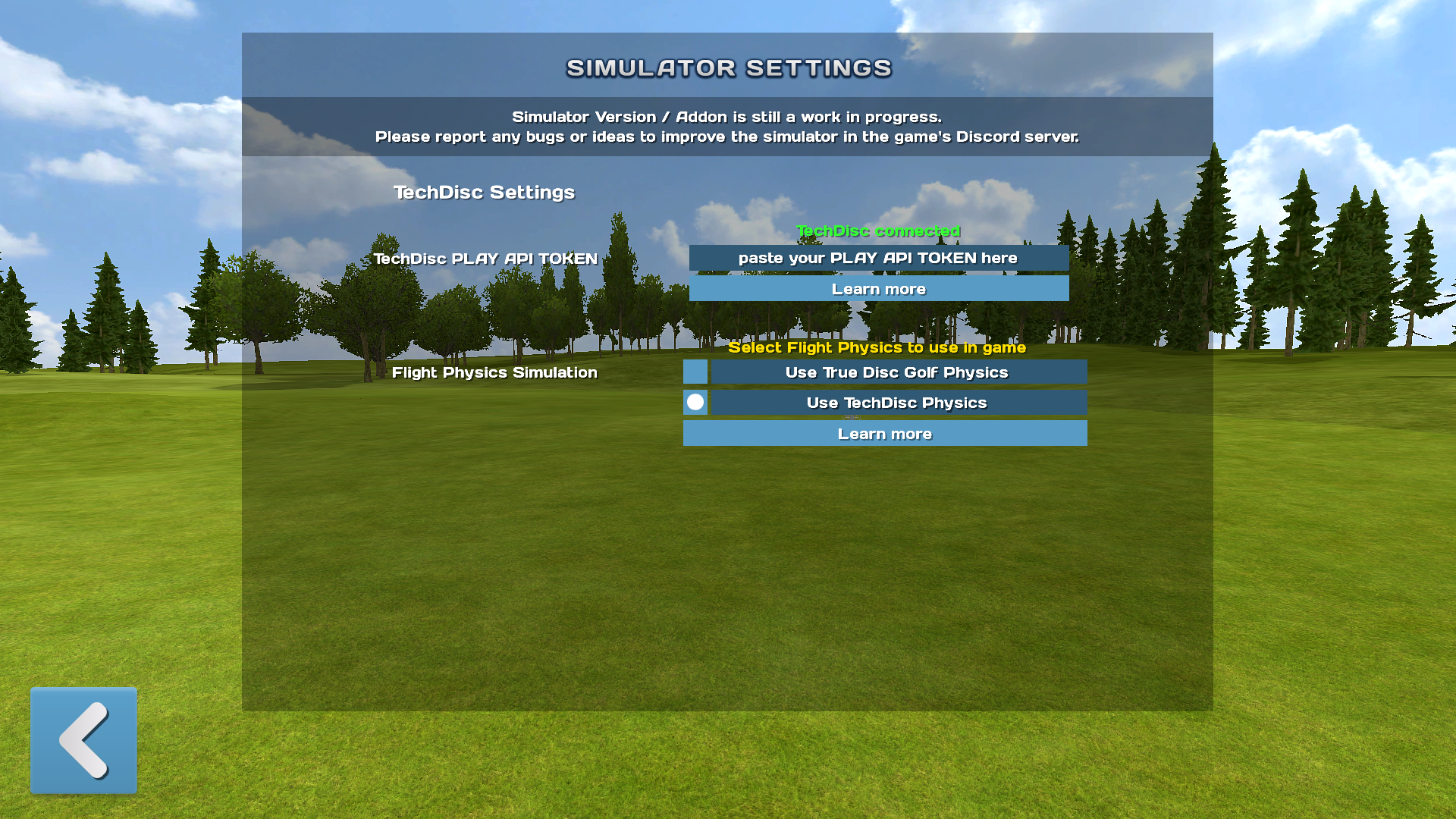
- Perfect Round Disc Golf
- You should now be ready to throw!
Pro Tip: If the TechDisc is recording throws in your app, but not in the game, be sure to double check you API Key for spaces or extra characters to ensure the disc is connected in-game.
Was this article helpful?
That’s Great!
Thank you for your feedback
Sorry! We couldn't be helpful
Thank you for your feedback
Feedback sent
We appreciate your effort and will try to fix the article