When a firmware update becomes available, you can update your TechDisc's firmware in the iOS or Android Mobile App. A large red banner will appear at the top of the screen. Press the banner to begin the firmware update.
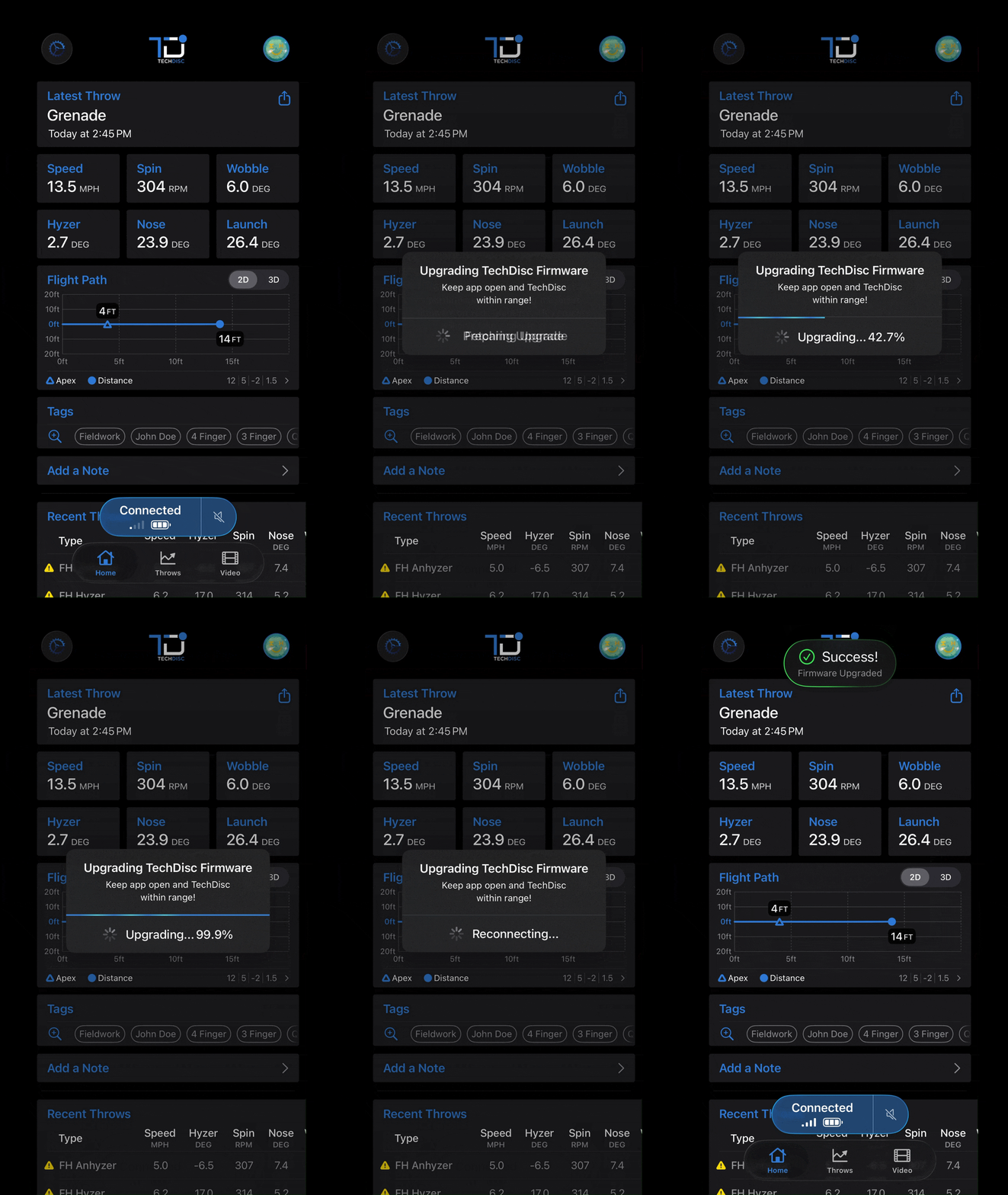
If there is a firmware update available and you are not seeing the banner, your battery is too low and will need charged before updating.
Was this article helpful?
That’s Great!
Thank you for your feedback
Sorry! We couldn't be helpful
Thank you for your feedback
Feedback sent
We appreciate your effort and will try to fix the article